

Instruction guide Indico Accounts
From 10 June 2026 onwards, logging in to Indico at KIT (https://indico.kit.edu) will only be possible via Single Sign-On (SSO) through our Federated Login Service (FeLS, https://fels.scc.kit.edu). Logging in with local accounts will no longer be possible after this date!
With FeLS, you can connect with many national identity providers or home organisations, or with the additional identity provider "Helmholtz ID" to connect with many other providers from around the world. Users without an affiliated home organisation can use the Google (found in the list of home organisations) or ORCID identity provider.
To link your existing local account to your future account, the system uses the email address. Therefore, in your existing local Indico account, the email address must match the email address provided by your identity provider as the preferred address.
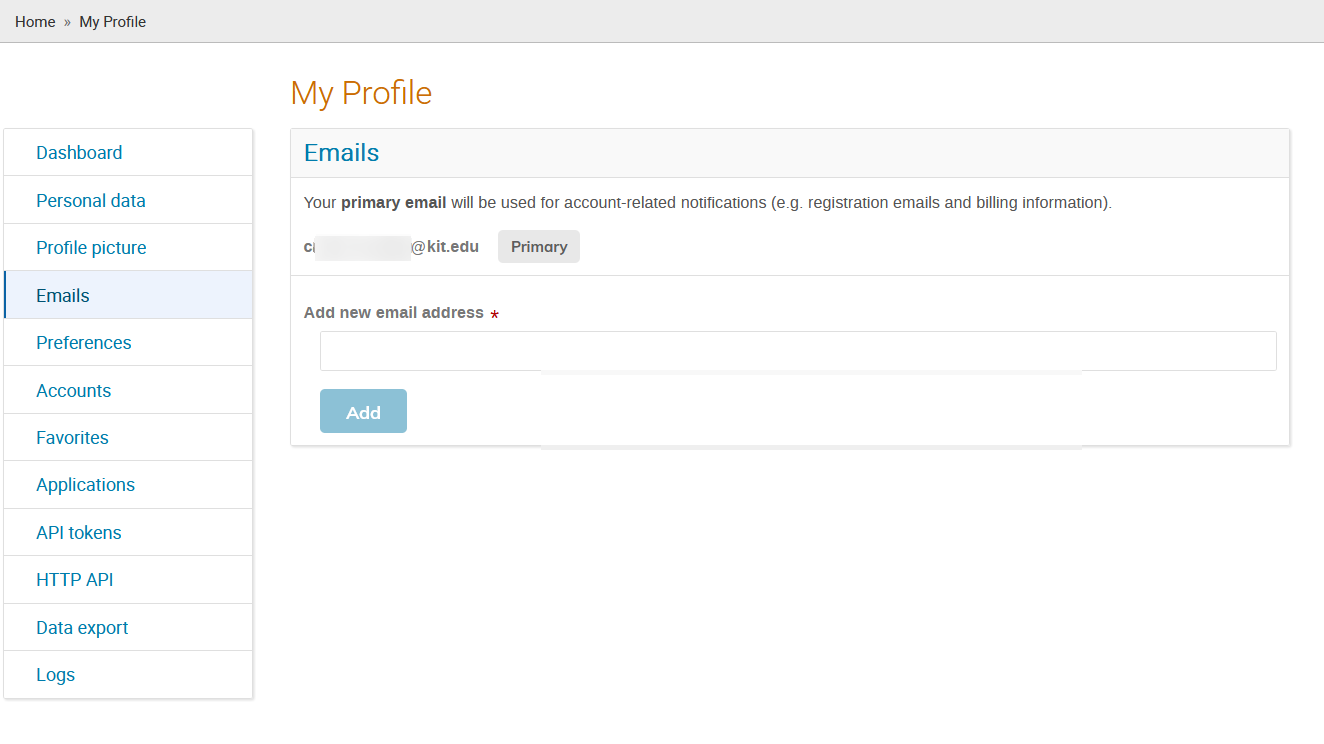
Your previous email addresses for your local Indico account can be found after logging in to Indico at https://indico.kit.edu/user/emails/ (equivalent to "My profile" -> "Settings" -> "Emails").
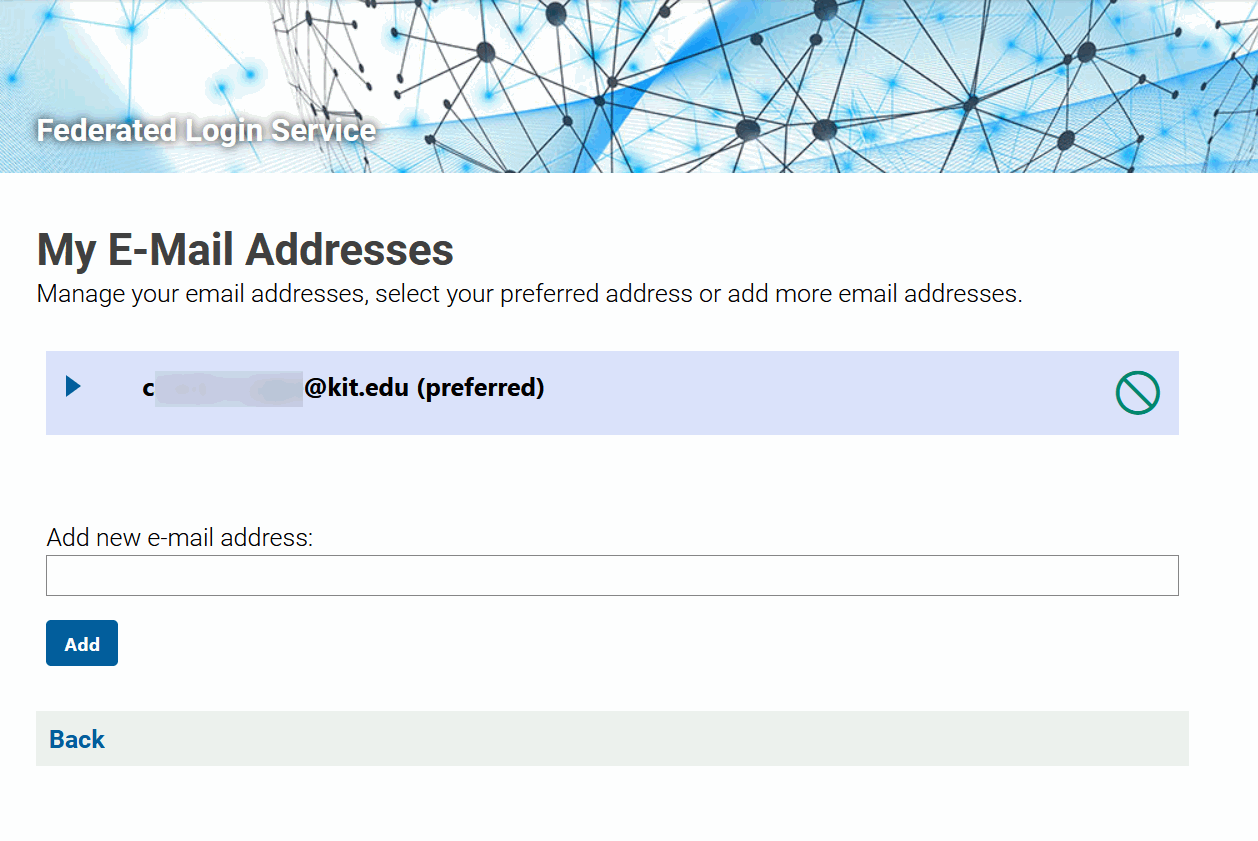
If you are using FeLS (Federated Login Service), you can find your preferred email address by your identity provider, for example, at https://fels.scc.kit.edu/user/email-addresses.xhtml (corresponds to "Index" > "My E-Mail Addresses").
Please add this email address to your existing local Indico account if it is not already present.
(See Screenshot 1 for the "Add new email address" section).